FPV Troubleshooting Guide: Fix the Most Common Problems Fast
A practical troubleshooting hub for the most common FPV issues, organized by symptom so new pilots can find a fix quickly.
Start With Safety
Before diving into complex debugging, always start with the basics. Remove props before bench testing. Check your battery voltage with a multimeter. Verify all solder joints are shiny and solid. A cold solder joint is the root cause of more FPV problems than any other single issue.
No Video? Isolate the Chain
When your goggles show nothing:
- Verify the VTX and goggles are on the same channel
- Check the camera wiring — is it getting power?
- Try a different antenna
- Is the VTX antenna connected? Running a VTX without an antenna can damage it
Work backwards: goggle → VRX → antenna → VTX → camera. Isolate each link.
Won't Arm? Read the Flags
Connect to Betaflight and check the Arming Disable Flags in the Setup tab. Common causes:
- Throttle not at zero (adjust endpoints)
- Accelerometer not calibrated (calibrate on level surface)
- RX loss (check receiver binding and protocol)
- GPS not locked (if GPS rescue is enabled)
The arming flags tell you exactly what's wrong.
Bench Testing Checklist
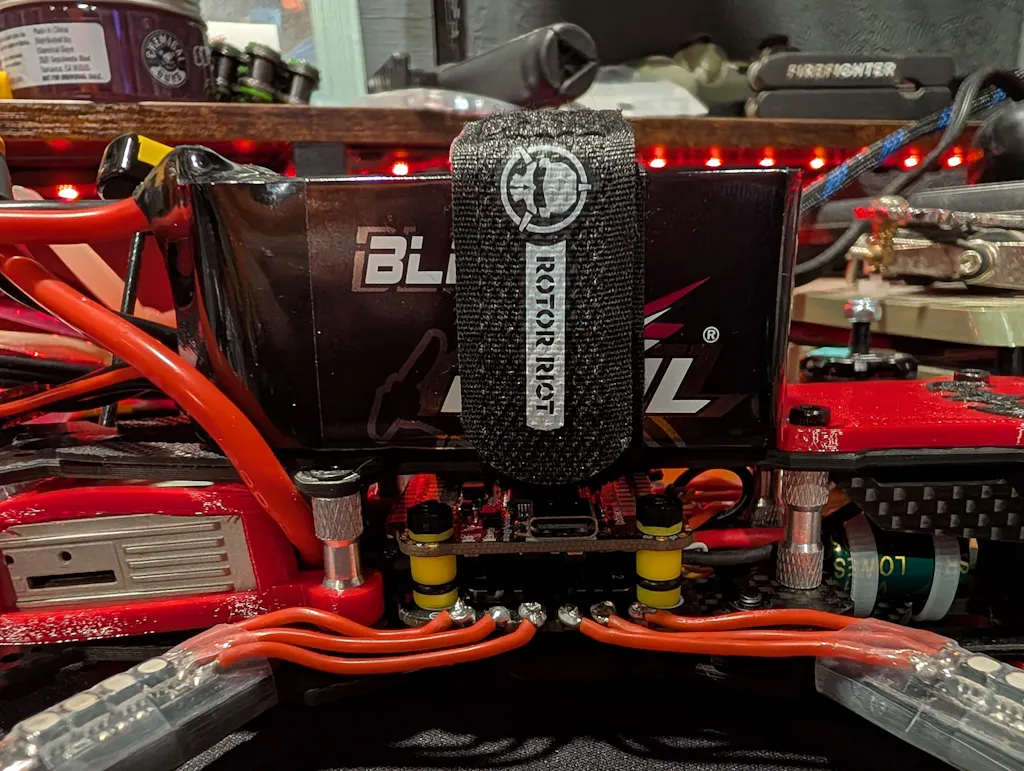
Before every first flight after a repair:
- Smoke stopper on first power-up
- Verify motor direction in Betaflight Motors tab
- Props off for motor testing
- Check failsafe behavior (turn off radio, verify disarm)
- Range test your radio link
- Verify OSD elements are visible in goggles

Prevention and Maintenance
Most FPV problems are preventable with regular maintenance:
- Conformal coat your electronics for moisture protection
- Check antenna connections after every crash
- Inspect frame screws for tightness
- Clean motor bearings periodically
- Keep spare antennas, props, and standoffs in your field kit
RELATED GUIDES
Copyright-safe media generated locally by FPVLovers