MultiGP: The Global Drone Racing League
Overview of MultiGP's scale and structure as a leading drone racing league.
MultiGP: The Global Drone Racing League
The FPV Racing Pilot's Roadmap: A Step-by-Step Tutorial from First Flight to Competitive Racing
Are you ready to experience the world from a completely new perspective? To feel the rush of speed, the precision of control, and the thrill of competition? Welcome to FPV racing, where cutting-edge technology meets incredible piloting skill. At fpvlovers.com.tr, we're passionate about helping new pilots take flight, and this comprehensive guide is your ultimate roadmap to becoming an FPV racing pilot.
Unleash Your Inner Pilot: Welcome to the World of FPV Racing!
FPV, or First Person View, racing isn't just a hobby; it's a sport, an art form, and a vibrant community. Imagine strapping on a pair of goggles and seeing the world through the eyes of a super-fast, agile drone as you navigate complex courses at breakneck speeds. That's the magic of FPV racing.
The Adrenaline-Pumping Thrill of FPV
There's nothing quite like the sensation of flying an FPV drone. The immersive experience of seeing the track unfold before you, making split-second decisions, and pushing your skills to the limit creates an unparalleled adrenaline rush. Whether you're weaving through gates, diving through gaps, or overtaking a competitor, every moment is intense and rewarding.
Why Now is the Time to Start Your FPV Journey
The FPV world has never been more accessible. With advancements in technology, more affordable gear, and a thriving online and local community, getting started is easier than ever. Modern flight controllers, robust frames, and user-friendly software have lowered the barrier to entry significantly, making it the perfect time to dive into how to start FPV racing.
What This Guide Will Teach You
This tutorial is designed to be your step-by-step companion. We'll cover everything from understanding the basics of an FPV drone and selecting your beginner FPV racing gear, to mastering FPV racing simulator practice, learning essential FPV racing techniques, and even finding your local FPV community. Our goal is to equip you with the knowledge and practical tips to safely and effectively transition from a complete novice to a confident FPV pilot ready for the race track.
Understanding FPV Racing: More Than Just Flying Drones
Before we jump into gear, let's understand what FPV racing truly entails. It's a blend of technology, physics, and pure skill.
What Exactly is FPV Racing?
FPV racing involves pilots navigating specially designed drone courses, often marked with gates, flags, and obstacles, while viewing a live video feed from a camera mounted on their drone. The goal is simple: complete the course as fast as possible, often against other pilots simultaneously. Races can range from informal gatherings in local parks to large, organized events with professional setups.
The Core Components of an FPV Racing Drone
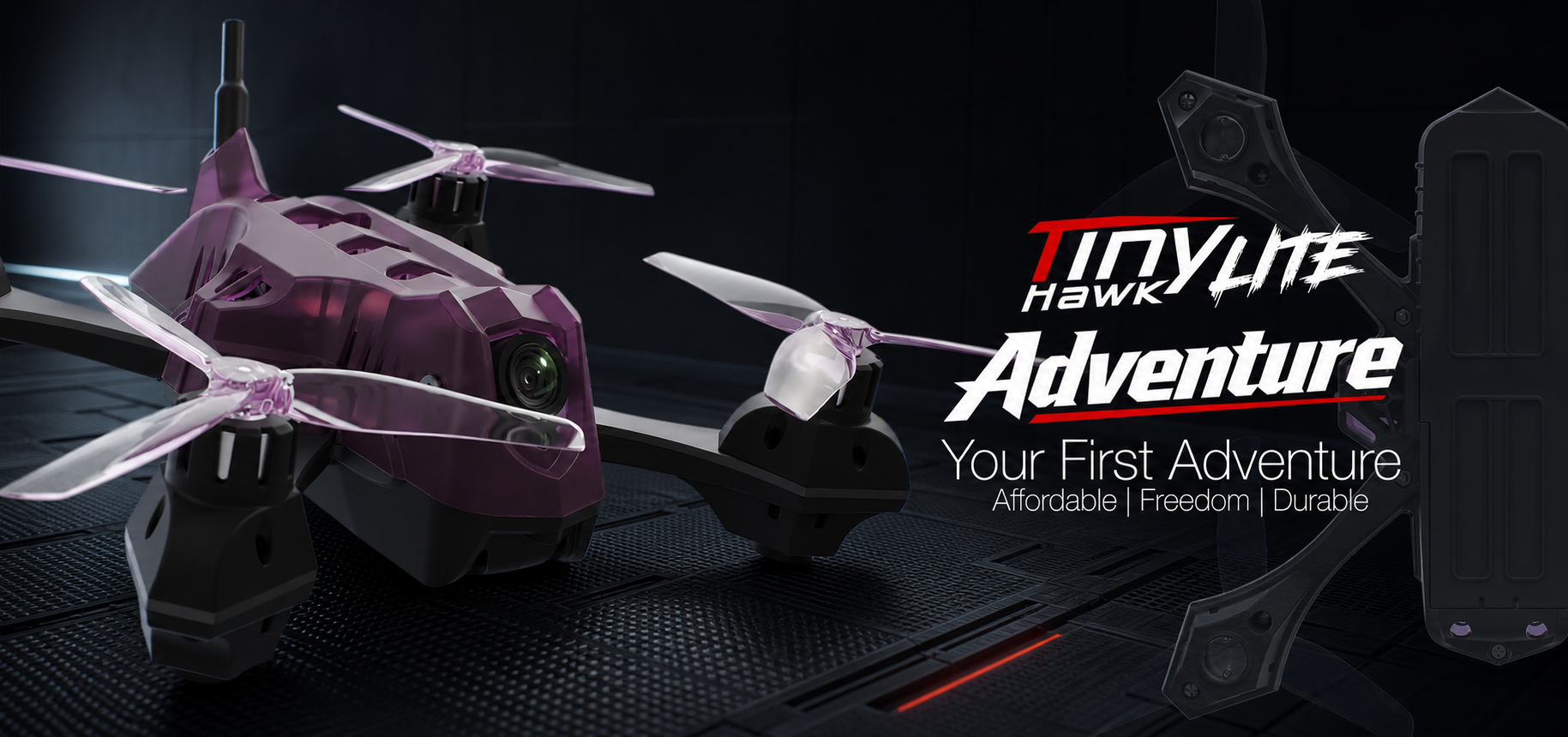
At its heart, an FPV racing drone is a marvel of engineering, optimized for speed, agility, and durability. Here are the key components:
- Frame: The skeleton, typically carbon fiber, providing rigidity and protection. Sizes vary (e.g., 5-inch for freestyle/racing, smaller for cinewhoops or tinywhoops).
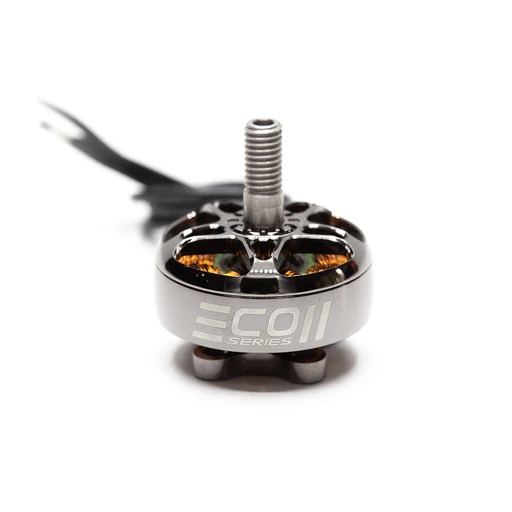
- Motors: Brushless motors, chosen for their power-to-weight ratio, spinning the propellers.
- ESCs (Electronic Speed Controllers): Convert signals from the flight controller into power for the motors, controlling their speed. Often come as 4-in-1 units on racing drones.
- Flight Controller (FC): The "brain" of the drone, running firmware like Betaflight, processing pilot inputs and stabilizing the drone.
- FPV Camera: A small, lightweight camera providing the live video feed.
- VTX (Video Transmitter): Sends the camera's video signal wirelessly to your FPV goggles.
- Receiver (RX): Receives control signals from your radio controller, communicating with the FC.
- Battery: High-discharge LiPo (Lithium Polymer) batteries, typically 4S or 6S for 5-inch racing drones, providing intense power bursts.
The Appeal: Speed, Skill, and Community
The draw of FPV racing is multifaceted. There's the sheer speed – these drones can hit 100-150 km/h in seconds. There's the constant challenge to improve your skill, pushing your limits in precise maneuvers. And perhaps most importantly, there's the incredible community. FPV pilots are often eager to share knowledge, help new pilots, and bond over their shared passion.
Your First Flight Kit: Essential Gear for FPV Beginners
Getting started requires a few key pieces of equipment. Don't worry, you don't need the most expensive gear right away. Focus on reliable, beginner-friendly options.
Choosing Your First FPV Drone: RTF, BNF, or DIY?
For beginners, the choice often comes down to:
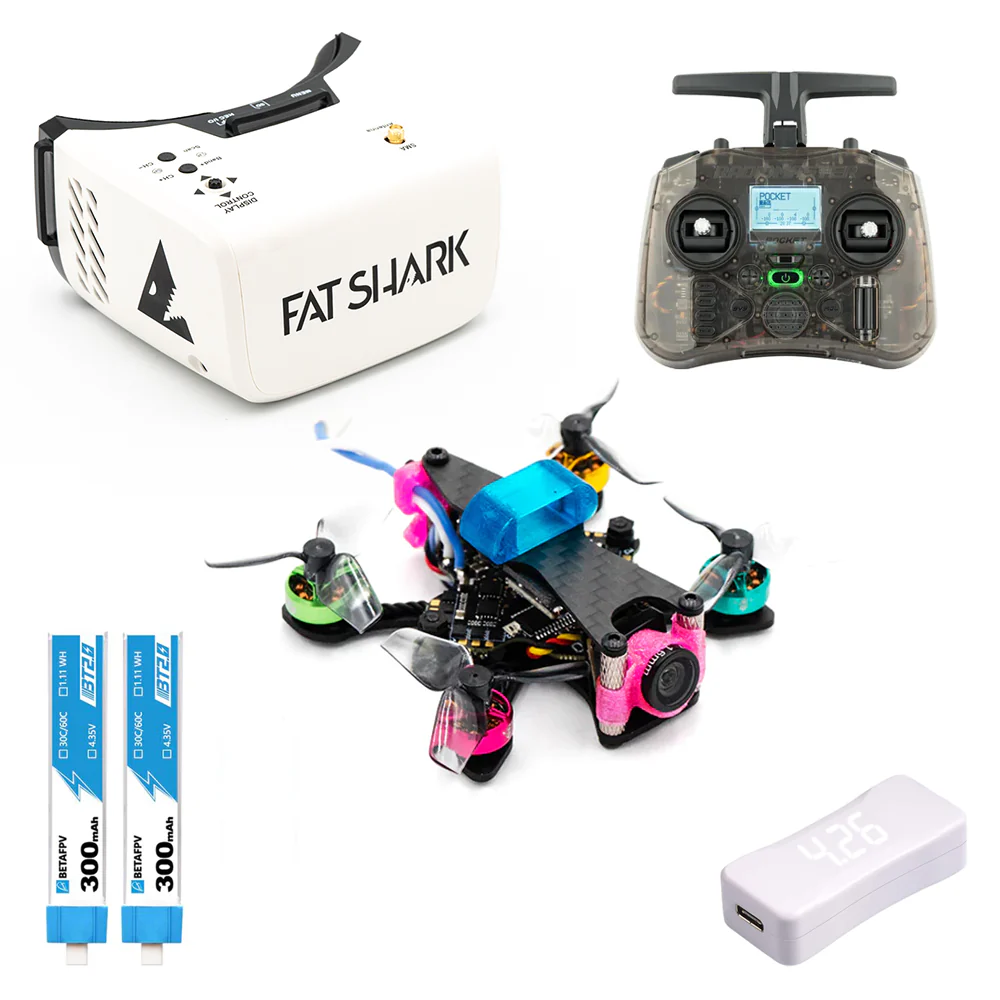
- RTF (Ready-To-Fly) Kits: These are fantastic for beginners, including everything you need: drone, goggles, and radio. Examples include the BetaFPV Cetus X or Eachine Novice-III. They are pre-bound and configured, letting you fly almost immediately. This is often the easiest way to start FPV racing.
- BNF (Bind-N-Fly) Drones: These come fully assembled but without a radio or goggles. You'll need to purchase those separately and bind them. Great if you already have a radio or want to pick specific components.
- DIY (Do-It-Yourself): Building your own drone offers deep understanding and customization but is generally not recommended for absolute beginners due to the complexity and potential for errors.
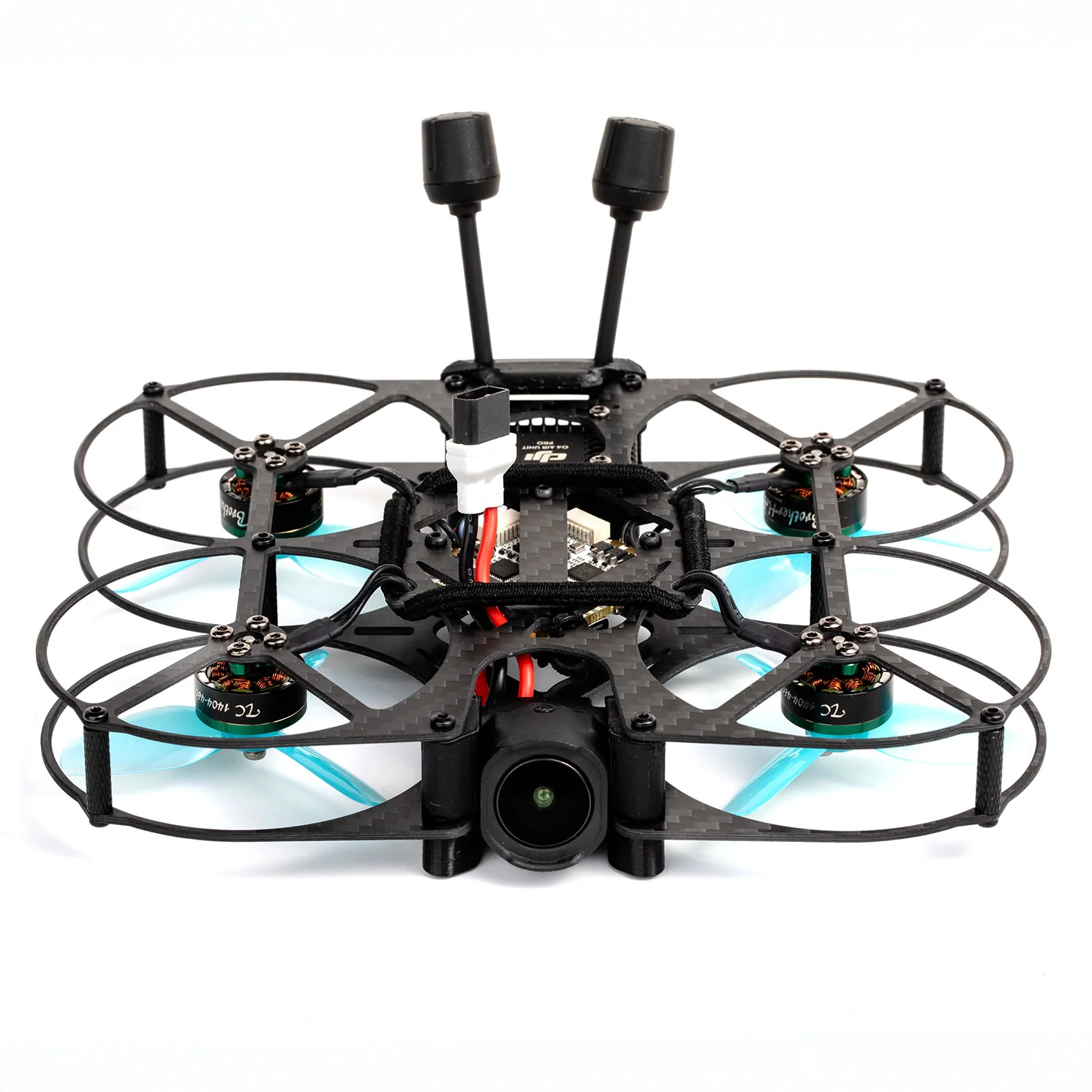
Practical Tip: Start with a smaller, more durable drone like a TinyWhoop (e.g., Mobula7, Meteor75) or a 2-3 inch micro quad. These are less intimidating, safer to fly indoors or small outdoor spaces, and more forgiving of crashes. You'll learn the fundamentals without constantly breaking expensive parts.
Goggles: Your Immersive View of the Race
Your FPV goggles are your window into the drone's world.
- Box Goggles: More affordable and often included in RTF kits (e.g., Eachine EV800D). They offer a larger, less immersive screen.
- Slimline Goggles: More compact and feature two smaller screens (one for each eye), providing a truly immersive experience (e.g., Fat Shark Dominator series, Skyzone SKY04X, Walksnail Avatar HD Goggles). These are a significant upgrade but also a bigger investment.
Practical Tip: For beginners, box goggles are perfectly fine. Focus on getting enough flight time before upgrading. Look for goggles with a built-in DVR to record your flights, which is excellent for reviewing your technique!
Radio Controller: Your Hands-On Connection
This is your primary interface with the drone.
- Budget-Friendly: The Radiomaster Zorro and BetaFPV LiteRadio 3 are excellent entry-level options, offering good gimbals and multi-protocol support.
- Mid-Range/Advanced: The Radiomaster TX16S is a popular choice, offering full-size gimbals, a color screen, and extensive customization.
Ensure your radio supports the protocol of your drone's receiver (e.g., ELRS, FrSky, Crossfire). ELRS (ExpressLRS) is highly recommended for its low latency and long range, making it a great choice for FPV racing controller settings.
Batteries, Charger, and Essential Accessories
- LiPo Batteries: You'll need several. For a 5-inch quad, 4S 1300-1500mAh or 6S 1000-1200mAh are common. For a TinyWhoop, 1S 300-450mAh. Always handle LiPo batteries with care!
- LiPo Charger: A good balance charger (e.g., iSDT Q6 Nano) is crucial for safe and efficient charging. Never leave charging batteries unattended.
- Propellers: Buy plenty of spares! They break easily.
- Tools: A basic hex driver set, small pliers, and zip ties are invaluable.
- LiPo Safe Bag: Essential for storing and charging batteries safely.
Mastering the Simulator: Your Zero-Risk Training Ground
Before you even think about flying a real drone, dedicate significant time to a simulator. This is arguably the most crucial step for any new pilot.
Why Simulators are Critical for New Pilots
Simulators provide a risk-free environment to learn muscle memory, understand controls, and practice maneuvers without the fear of breaking your drone or injuring yourself. You can crash a thousand times in a simulator without any cost! This is where you'll build the foundational FPV racing techniques.
Top FPV Simulators for Beginners
Several excellent simulators are available, each with its strengths:
- DRL Simulator (Drone Racing League): Great graphics, realistic physics, and a focus on racing.
- Velocidrone: Known for its highly accurate physics, making it a favorite among competitive racers for serious practice.
- Liftoff: Excellent graphics, a wide variety of drones and environments, and good for both racing and freestyle.
- Uncrashed: Another strong contender with beautiful visuals and good physics.
Practical Tip: Purchase a simulator that allows you to connect your actual FPV radio controller. This is vital for developing the correct muscle memory that will translate directly to real-world flying.
Essential Drills: From Hovering to Track Navigation
Start with the absolute basics and gradually increase complexity:
- Hovering: Learn to maintain a stable hover, adjusting throttle and minor stick inputs.
- Figure Eights: Practice smooth turns and directional changes.
- Gate Practice: Start with single gates, then progress to lines of gates, focusing on smooth entry and exit.
- Track Navigation: Once comfortable with gates, try navigating full tracks, focusing on consistent lines and throttle management.
How often should I practice on a simulator? Daily, if possible! Even 15-30 minutes a day can make a massive difference. Consistency is key.
Optimizing Your Controller Settings for Simulator Success
Your radio controller settings, particularly your "rates" and "expo," dictate how responsive your drone is to stick inputs.
- Rates: Determine how fast your drone rotates (roll, pitch, yaw) for a given stick input. Start with lower rates (e.g., around 400-600 degrees per second) for easier control, and gradually increase as you get comfortable.
- Expo (Exponential): Softens the stick response around the center, making small adjustments less sensitive. A common starting point is 0.10 - 0.20 on roll and pitch.
Most simulators allow you to adjust these settings, mimicking Betaflight. Experiment to find what feels comfortable for you.
From Virtual to Reality: Your First Real-World Setup and Flight
The transition from simulator to reality is exciting but requires caution. Remember that real drones have real consequences.
Binding Your Radio and Drone: The First Connection
If you didn't get an RTF kit, you'll need to bind your radio to your drone's receiver. This process varies depending on your radio and receiver protocol (e.g., ELRS, FrSky). Follow the specific instructions for your hardware. Once bound, your radio will communicate with your drone.
Basic Betaflight Configuration for Safe Flying
Betaflight is the most common flight controller firmware. You'll connect your drone to your computer via USB and use the Betaflight Configurator.
- Receiver Tab: Verify your stick inputs are correctly registered (roll, pitch, yaw, throttle).
- Modes Tab: Set up your arming switch, as well as flight modes like Angle (self-leveling, good for first flights) and Acro (manual, required for racing).
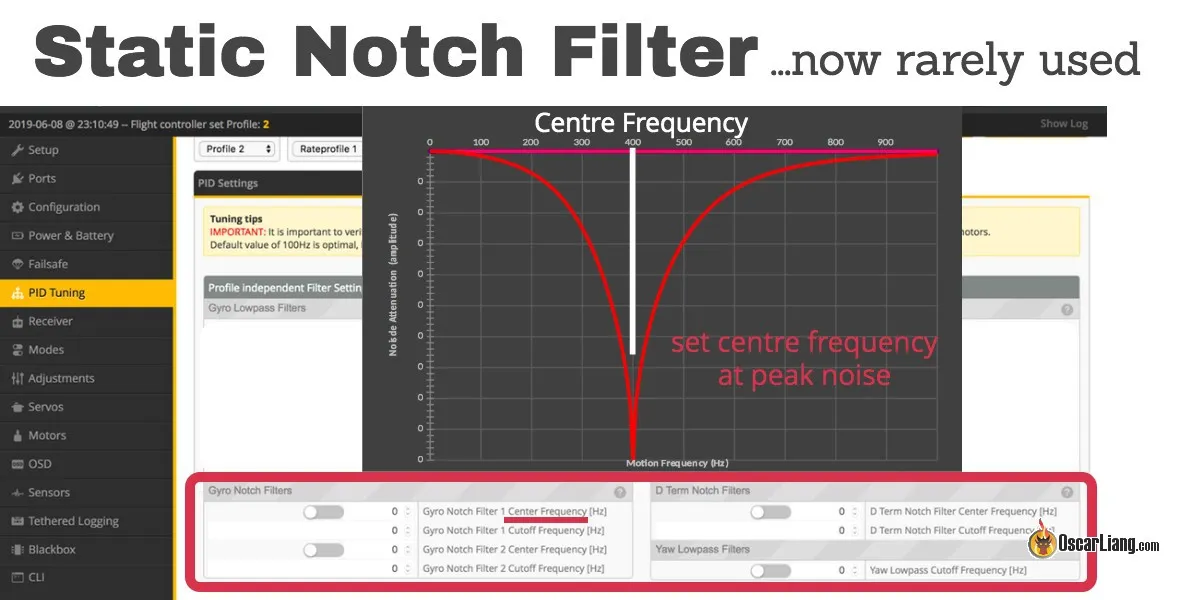
- PID Tuning: For beginners, default Betaflight PIDs are usually a good starting point. Don't dive into complex tuning until you're more experienced.
Practical Tip: Always remove your propellers when connecting your drone to Betaflight or performing any setup. An accidental arm can be dangerous.
Pre-Flight Checks and Safety Protocols
Every single flight, no exceptions, perform these checks:
- Props: Are they on correctly (clockwise/counter-clockwise)? Are they free of damage?
- Battery: Fully charged? Securely strapped?
- Antennas: VTX antenna and receiver antennas securely attached and positioned?
- Arming Switch: Test your arming switch without props to ensure it functions.
- Environment: Clear of people, animals, and obstacles? Are you in a legally permissible flying area?
- Goggles: Clear image, correct channel?
Your First Hover: Gentle Steps into the Air
Find a wide, open, grassy area for your first real flight.
- Power On: Plug in your drone's battery, then power on your radio and goggles.
- Clear Area: Ensure no one is near your drone.
- Arm: Flip your arming switch. The motors will spool up slightly.
- Gentle Throttle: Slowly and smoothly increase throttle. The drone will become light. Aim for a gentle lift-off, just a foot or two off the ground.
- Small Adjustments: Make tiny, precise stick inputs to maintain hover. Don't overcorrect.
- Disarm: When ready to land, gently lower the throttle and disarm once on the ground.
Practical Tip: Your first real flight will feel different from the simulator. The drone has weight, inertia, and wind affects it. Be patient, make small movements, and don't be afraid to disarm if you feel overwhelmed.
Fundamental FPV Flying Techniques for Beginners
Once you're comfortable with basic hovering and gentle flights, it's time to build on your FPV racing techniques.
Throttle Management and Altitude Control
Smooth throttle control is paramount in FPV racing. Unlike camera drones, racing quads don't typically have altitude hold. You are constantly managing the throttle stick to maintain altitude, ascend, and descend. Practice maintaining a consistent height while flying forward.
Smooth Turns and Cornering Strategies
- Yaw for Direction: Use your yaw stick to point the drone in the direction you want to turn.
- Roll for Bank: Use your roll stick to bank the drone into the turn. The more you bank, the sharper the turn.
- Throttle for Speed/Height: Adjust throttle to manage speed through the turn and prevent dropping altitude.
Practical Tip: Think of turns as a coordinated dance between yaw, roll, and throttle. Practice "power loops" in the simulator – a fundamental move that combines all these elements.
Navigating Gates and Basic Track Elements
Start with simple, wide gates. Focus on:
- Line Choice: Plan your path through the gate.
- Smoothness: Avoid jerky movements.
- Exit Strategy: Think about where you want to be after the gate to set up for the next obstacle.
As you improve, you can tackle more challenging elements like gap dives and hairpins.
Dealing with Crashes and Troubleshooting Common Issues
Crashes are inevitable. Don't get discouraged!
- Disarm Immediately: As soon as you crash, disarm your drone to prevent motor damage or further prop breakage.
- Inspect: Check for broken props, loose wires, or damaged components.
- Common Issues:
- Broken Props: The most common. Always carry spares.
- Disconnected Antennas: Reattach securely.
- Loose Battery Strap: Re-secure the battery.
- "Flyaways": Often caused by range issues (check antenna placement, receiver health) or improper setup.
- Motor Not Spinning: Check for prop blockage, loose motor wires, or a damaged ESC.
The FPV Racing Pilot's Buyer's Guide: What to Invest In
How much does it cost to get into FPV racing? It varies widely. A good starter RTF kit might cost €200-€400. Building a basic 5-inch setup can range from €500-€800+ for the drone, goggles, radio, batteries, and charger.
Budgeting for Your First FPV Racing Setup
- Entry-Level (RTF Kit): €200-€400 (e.g., BetaFPV Cetus X kit)
- Mid-Range (Separate Components): €500-€800 (e.g., Mobula7/Crux3 drone, Radiomaster Zorro, Eachine EV800D, charger, 4-6 batteries)
- High-End (Performance Focused): €1000+ (e.g., custom 5-inch build, Radiomaster TX16S, Fat Shark/Skyzone goggles, multiple high-performance batteries)
Practical Tip: Prioritize a good radio controller and simulator. These will last you through many drone upgrades.
Recommended Starter Kits and Components
- RTF Kits: BetaFPV Cetus X, Eachine Novice-III.
- Micro Drones: Happymodel Mobula7, Happymodel Crux3, BetaFPV Meteor75.
- Radios: Radiomaster Zorro (ELRS version), BetaFPV LiteRadio 3.
- Goggles: Eachine EV800D (box goggles), Skyzone Cobra X (box goggles with diversity).
- Charger: iSDT Q6 Nano.
Smart Upgrades as Your Skills Grow
As your skills develop, you might consider:
- Digital FPV System: Systems like DJI O3 Air Unit, Walksnail Avatar HD, or HDZero offer vastly superior image quality compared to analog, making racing more precise and enjoyable. This is often the biggest upgrade.
- Better Goggles: Upgrading from box goggles to slimline goggles for comfort and immersion.
- Higher Performance Drone: Moving to a custom-built 5-inch quad with top-tier motors and flight controller.
- Advanced Radio: A radio like the Radiomaster TX16S for more channels, better gimbals, and greater customization.
Beyond the Basics: Community, Rules, and Progression
FPV racing isn't just about flying; it's about being part of a dynamic community.
Understanding FPV Race Rules and Etiquette
While local rules may vary, general FPV race rules include:
- Frequency Management: Using assigned VTX channels to avoid interference with other pilots.
- Safety First: Always ensuring the track is clear before arming.
- Respect: Treating other pilots and equipment with respect.
- Marshalling: Often, pilots take turns marshalling (spotting) for crashes.
Practical Tip: Attend a local race event as a spectator first. You'll learn a lot by observing and talking to experienced pilots.
Finding and Joining Your Local FPV Community
- Online Forums & Social Media: Search Facebook groups for "FPV [Your City/Region]" or check Reddit FPV communities.
- FPV Event Websites: Sites like MultiGP (global racing league) list local chapters and events.
- Local Hobby Shops: They often know about local groups.
Joining a local group is invaluable for advice, shared flying spots, and actual racing experience.
Tips for Continuous Improvement and Competitive Edge
- Consistent Practice: Keep flying the simulator and your real drone regularly.
- Review Your Flights: Use DVR footage to analyze your lines, mistakes, and areas for improvement.
- Watch Pro Pilots: Observe their techniques on YouTube (e.g., MinChan Kim, Alex Vanover, Bando Boris).
- Ask Questions: Don't be afraid to seek advice from more experienced pilots.
- Experiment: Try different rates, props, or even drone setups to see what works best for your style.
Frequently Asked Questions About FPV Racing
What's the easiest way to start FPV racing?
The easiest way is to purchase an RTF (Ready-To-Fly) kit like the BetaFPV Cetus X, which includes a drone, goggles, and radio, all pre-bound and ready to fly. Combine this with extensive simulator practice.
How much does it cost to get into FPV racing?
A basic, decent beginner setup (drone, goggles, radio, batteries, charger) can range from €200-€400 for an RTF kit, up to €500-€800 for separate, slightly higher quality components. It's an investment, but one that offers incredible returns in fun and skill development.
Is FPV racing difficult to learn for beginners?
Yes, it has a steep learning curve initially, but it's incredibly rewarding. The key is patience, persistence, and dedicating significant time to FPV racing simulator practice before flying a real drone. With the right approach, anyone can learn!
How often should I practice on a simulator?
Aim for 15-30 minutes daily if possible. Consistent, short practice sessions are more effective than infrequent, long ones for building muscle memory and improving FPV racing techniques.
Do I need a special license to fly FPV racing drones?
Regulations vary by country. In many places (including Turkey), you need to register your drone if it's over a certain weight (e.g., 250g). For FPV, some regions require a spotter to fly with you, or specific certifications. Always check your local aviation authority's rules (e.g., SHGM in Turkey) before flying.
Your FPV Racing Journey Starts Now!
The world of FPV racing is thrilling, challenging, and incredibly rewarding. From the first time you put on those goggles, you'll be hooked.
Recap: The Roadmap to Becoming an FPV Pilot
- Understand the Basics: Learn about drone components and what FPV racing entails.
- Get Your Gear: Choose an RTF kit or beginner-friendly components (drone, goggles, radio, batteries, charger).
- Master the Simulator: Dedicate serious time to practicing in a simulator.
- First Real Flights: Start slow, perform pre-flight checks, and fly in safe, open areas.
- Learn Techniques: Practice throttle management, smooth turns, and gate navigation.
- Join the Community: Connect with local pilots and learn from their experience.
Embrace the Challenge and Enjoy the Ride
FPV racing demands patience and resilience. You will crash, you will break props, and you will get frustrated. But every crash is a lesson, and every successful flight is a triumph. Embrace the challenge, enjoy the process of learning, and savor every moment of flight.
Call to Action: Share Your First Flight Experience!
We at fpvlovers.com.tr would love to hear about your journey! What gear did you start with? What was your first simulator experience like? Share your how to start FPV racing story in the comments below, or connect with us on social media! Happy flying, pilots!
Copyright-safe media generated locally by FPVLovers