Drone Champions League: Pioneering Mixed-Reality Drone Racing
Explores DCL's role as the world's leading mixed-reality drone racing league, its use of Digital Twin technology, and its simulation game, DCL – The Game.
Drone Champions League: Pioneering Mixed-Reality Drone Racing
The Ultimate FPV Racing Pilot's Roadmap: From Simulator to Your First Podium (Even if You're a Beginner)
Ever dreamt of flying like a bird, but at breakneck speeds through intricate courses? FPV (First-Person View) racing offers an unparalleled adrenaline rush, putting you directly in the cockpit of a high-speed drone. It's a thrilling blend of precision piloting, technical know-how, and competitive spirit. But for beginners, the world of FPV racing can seem daunting, filled with jargon, complex setups, and lightning-fast maneuvers.
Fear not, aspiring pilot! This ultimate roadmap is designed to guide you from curious beginner to confident racer. We'll demystify the equipment, walk you through essential training, explain drone setup, and show you how to join the vibrant FPV community. Get ready to launch your journey from the simulator to your first podium!
What is FPV Racing? Your Gateway to High-Speed Flight
FPV racing is a competitive sport where pilots navigate custom-built, high-speed drones through a three-dimensional course marked by gates, flags, and other obstacles. The entire experience is viewed through FPV goggles, which receive a live video feed from a camera on the drone, making you feel like you're actually sitting in the cockpit.
The Thrill of First-Person View
What truly sets FPV racing apart is the immersive first-person view. Imagine strapping on a pair of goggles and suddenly seeing the world from the perspective of a tiny, incredibly fast aircraft. As you bank hard around a corner, dive through a narrow gate, or accelerate down a straightaway, the visual feedback is immediate and visceral. This direct connection to the drone creates an unparalleled sense of presence and control, making every maneuver feel incredibly impactful. It's a sensation that traditional line-of-sight RC flying simply cannot replicate.
The Basics: Drones, Gates, and Adrenaline
At its core, FPV racing involves three main elements:
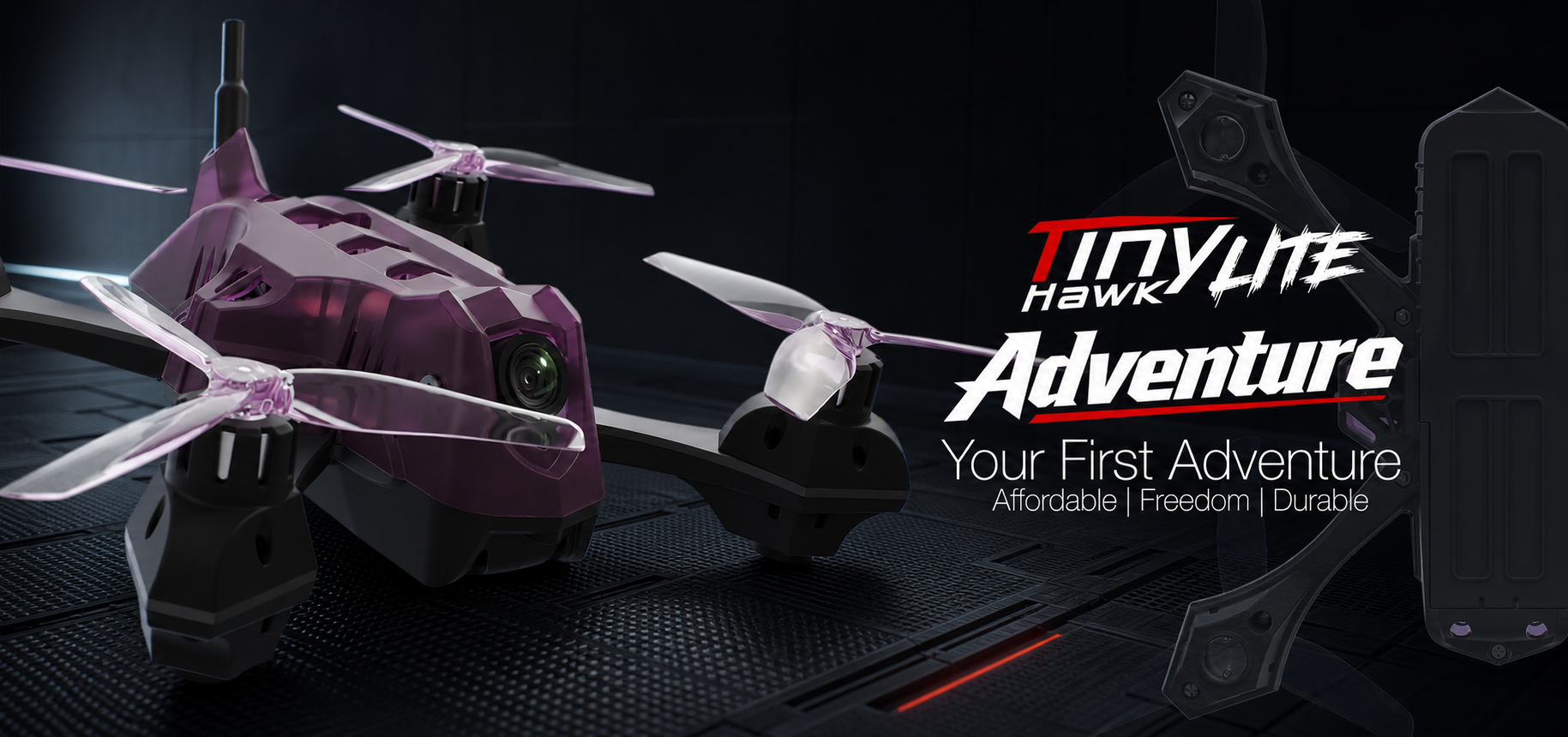
- Custom-built Racing Drones: These aren't your average camera drones. FPV racing drones are engineered for speed, agility, and durability. They typically feature powerful brushless motors, lightweight carbon fiber frames, and high-performance electronics designed to handle extreme maneuvers.
- Gates and Obstacles: Racecourses are meticulously designed with a variety of gates, flags, and sometimes even natural obstacles like trees or tunnels. Pilots must navigate these elements in a specific order, pushing their skills to the limit.
- Adrenaline: The sheer speed and precision required, combined with the competitive pressure of racing against others, create an intense, adrenaline-pumping experience that keeps pilots coming back for more.
Why FPV Racing is More Than Just a Hobby
FPV racing transcends a typical hobby; it's a multifaceted pursuit that challenges you on several levels:
- Competitive Sport: For many, the thrill of competition is a major draw. Racing against friends or in organized leagues fosters skill development and strategic thinking.
- Engineering Challenge: Building and maintaining FPV drones requires a solid understanding of electronics, mechanics, and aerodynamics. Pilots often spend hours tuning their machines for optimal performance.
- Problem-Solving: From troubleshooting a connection issue to diagnosing a flight problem, FPV pilots constantly engage in practical problem-solving.
- Camaraderie: The FPV community is incredibly supportive. Pilots share knowledge, help each other with builds, and celebrate successes together. It's a fantastic way to connect with like-minded individuals.
Gearing Up: Essential Equipment for Your FPV Journey
Starting FPV racing requires a specific set of equipment. Investing wisely from the beginning will save you headaches and money in the long run.
The FPV Racing Drone: Types and Components
FPV racing drones come in various sizes and classes, each suited for different environments and flying styles.
- 5-inch Racing Drones: These are the most common and competitive class, known for their incredible speed and agility. They typically use 5-inch propellers and are built for outdoor racing.
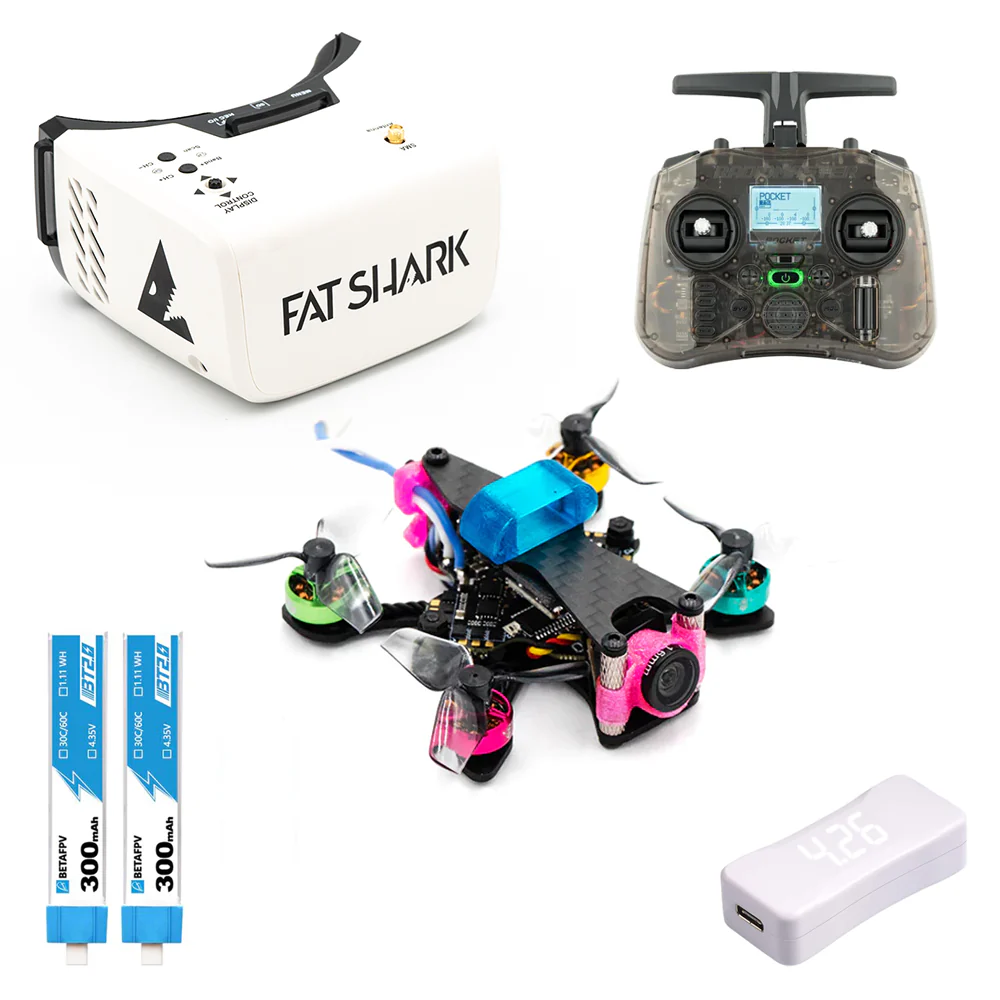
- Tiny Whoops: Small, ducted drones (often 65mm to 85mm) perfect for indoor flying, practice, and casual racing in confined spaces. They are very durable and beginner-friendly.
- Toothpick Drones: A lighter, smaller class (typically 3-inch props) that bridges the gap between Tiny Whoops and 5-inch racers, offering good outdoor performance in a more compact, efficient package.
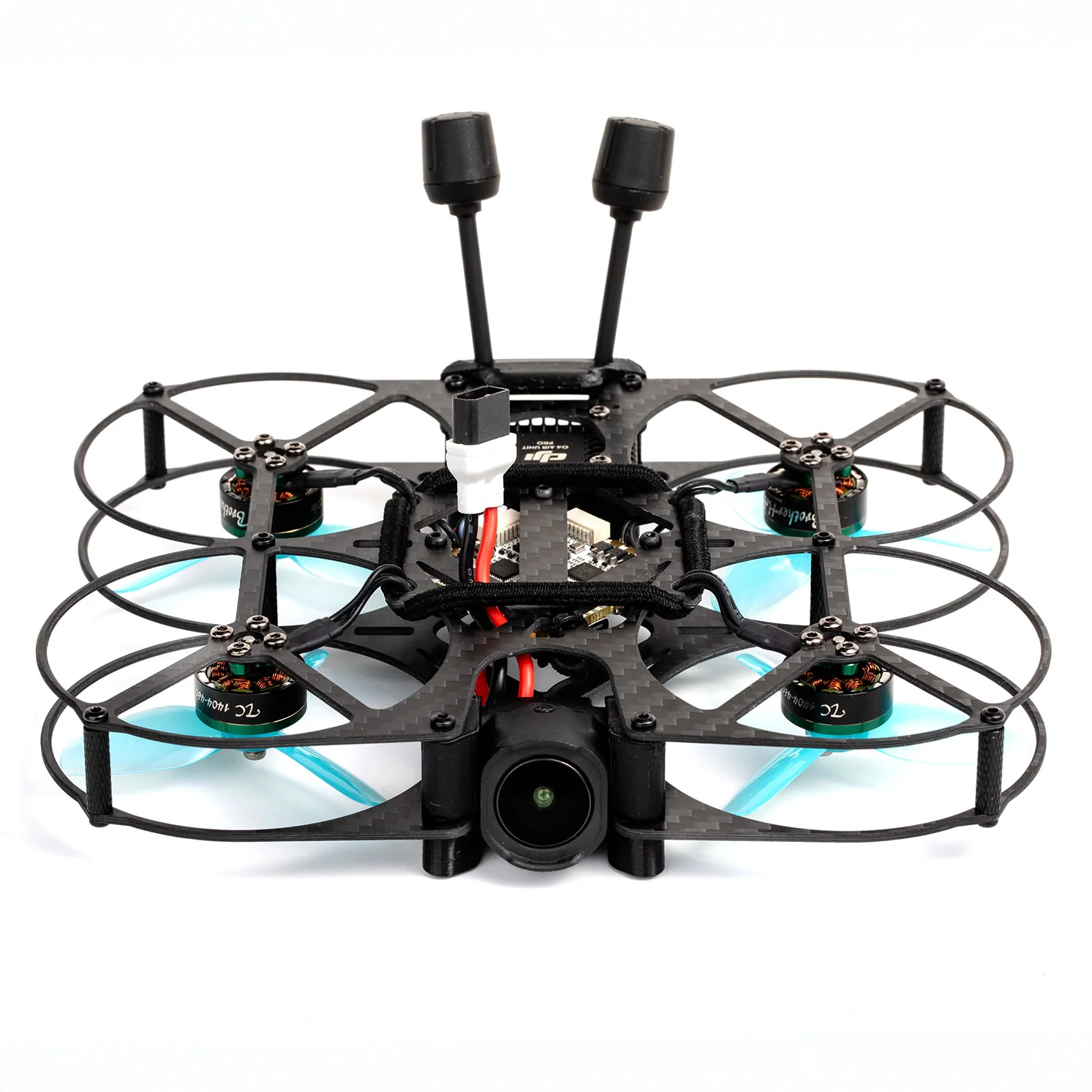
- Cinewhoops: While not strictly racing drones, these ducted drones (often 3-inch) are designed for carrying action cameras like a GoPro for cinematic footage, but can also be fun for casual flying.
Regardless of the class, all FPV drones share core components:
- Frame: The skeleton of the drone, usually carbon fiber for strength and lightness.
- Flight Controller (FC): The "brain" of the drone, processing pilot inputs and sensor data to control flight. Popular FCs use F4 or F7 processors.
- Electronic Speed Controllers (ESCs): These interpret signals from the FC and regulate power to the motors. Modern ESCs often support BLHeli_S or BLHeli_32 firmware.
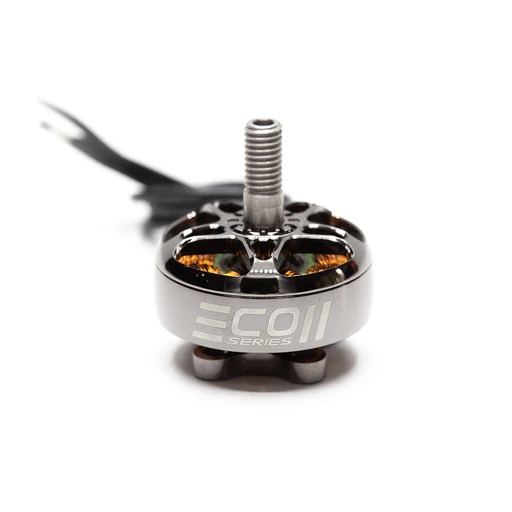
- Motors: Brushless motors provide the thrust. They are rated by size (e.g., 2207) and kV (rotations per minute per volt, e.g., 1700kV for 6S batteries or 2450kV for 4S).
- Propellers: Crucial for thrust, matched to motor size and desired flight characteristics.
- FPV Camera: Captures the video feed for your goggles. Look for low latency.
- Video Transmitter (VTX): Sends the camera's video signal wirelessly to your goggles. Power output (mW) determines range.
Immersive Vision: FPV Goggles (Analog vs. Digital)
Your FPV goggles are your window into the drone's world. There are two main types:
- Analog FPV: This is the traditional method, offering very low latency (minimal delay) which is crucial for racing. However, the image quality is standard definition, and interference (static, breakup) can be common, especially around other pilots. Popular analog goggles include the Eachine EV800D (a great budget option) or Fat Shark Dominator series.
- Digital FPV: Newer systems like DJI FPV Goggles 2 (used with DJI O3 Air Unit or Caddx Vista), Walksnail Avatar HD, and HDZero offer significantly higher image quality (HD) and clearer video. The trade-off is often slightly higher latency (though constantly improving) and a higher price point. For beginners, the clarity of digital can make flying easier, but serious racers often prioritize analog's ultra-low latency.
Pilot's Tip: If budget allows, consider starting with a digital system like DJI. The clear image can reduce disorientation for new pilots. However, a good pair of analog goggles will serve you well for a long time, especially for competitive racing.
Your Command Center: The Radio Transmitter
The radio transmitter (often simply called your "radio" or "controller") is how you communicate with your drone.
- Mode 2: This is the most common stick configuration, where the left stick controls throttle and yaw, and the right stick controls pitch and roll. It's highly recommended for beginners to learn on Mode 2 as most tutorials and community members use it.
- Essential Features: Look for a radio with good gimbals (the stick mechanisms) for precise control, multiple switches for flight modes, and support for modern protocols like ELRS (ExpressLRS) or Crossfire (TBS), which offer excellent range and reliability.
- Beginner-Friendly Radios: Excellent choices for beginners include the Radiomaster Zorro, Radiomaster Boxer, or Jumper T-Pro. These offer great features, open-source firmware (EdgeTX), and support for various internal modules.
Powering Your Flight: Batteries and Chargers
LiPo (Lithium Polymer) batteries are the powerhouse of your FPV drone.
- Voltage (S-rating): Indicates the number of cells in series. Common racing drone batteries are 4S (14.8V) or 6S (22.2V). Higher S-ratings mean more power and speed.
- Capacity (mAh): How much energy the battery can store. Higher mAh means longer flight times but also more weight. Common capacities for 5-inch racing are 1300mAh to 1500mAh.
- C-rating: Represents the continuous discharge rate. A higher C-rating (e.g., 100C) means the battery can deliver more current, which is crucial for powerful motors during aggressive flight.
- Safe Charging: Always use a LiPo-compatible balance charger (e.g., ISDT Q6 Nano, ToolkitRC M6D) and charge in a safe, fire-resistant environment (e.g., LiPo bag). Never overcharge or over-discharge LiPo batteries. Store them at "storage voltage" (3.8V per cell) when not in use for extended periods.
From Zero to Pilot: Mastering Flight with Simulators
Before you even think about powering up a real drone, you must spend time in a simulator. This is the single most important step for beginners.
Why Simulators are Non-Negotiable
- Develop Muscle Memory: FPV flying is largely about instinct and muscle memory. Simulators allow you to build these skills without the financial consequences of crashing a real drone.
- Understand Physics: Get a feel for how your drone reacts to gravity, momentum, and control inputs in a realistic environment.
- Save Money: Every crash in a simulator is a lesson learned, not a broken frame or motor. This saves you significant repair costs and downtime.
- Experiment Freely: Try out risky maneuvers, different drone setups, and various courses without any fear.
Top FPV Racing Simulators for Beginners
- Velocidrone: Widely regarded as having the most realistic physics, making it a favorite among professional racers for serious practice.
- DRL Simulator (Drone Racing League): Excellent for learning race lines and competitive racing, with good graphics and various tracks.
- LiftOff: Offers a good balance of realistic physics, diverse environments, and a comprehensive drone customization system.
- Uncrashed: Known for its stunning graphics and open-world environments, providing a visually appealing and immersive experience for free flight and exploration.
Pilot's Tip: Choose one simulator and stick with it. Consistent practice in one environment is more effective than jumping between several. Velocidrone is often recommended for its accuracy.
Essential Controller Setup and Calibration
- Connect Your Radio: Most FPV radios connect to your computer via a USB-C cable. Your computer should recognize it as a gamepad.
- Calibrate in Simulator: Open your chosen simulator's settings, go to controller setup, and calibrate your sticks and switches. Ensure all axes respond correctly.
- Basic Control Settings: Start with a simple drone model in the simulator. Ensure your throttle, pitch, roll, and yaw controls feel responsive. Adjust sensitivity (rates) if needed, but for beginners, stick with default or slightly lower rates to start.
First Steps: Basic Maneuvers and Muscle Memory
Start slow and build up your skills systematically:
- Hovering: Learn to hold a stable altitude and position.
- Forward Flight: Gently move forward, maintaining altitude.
- Turns: Practice smooth, coordinated turns using roll and yaw.
- Figure Eights: Combine forward flight and turns to fly in a figure-eight pattern.
- Rolls and Flips: Once comfortable with basic control, practice basic acrobatic maneuvers.
- Gate Practice: Start with wide, easy gates and gradually move to tighter ones. Focus on consistency over speed initially.
Your Drone, Your Rules: Setup, Tuning, and Maintenance
Once you've logged significant hours in the simulator, it's time to translate those skills to a real drone. This section focuses on getting your drone ready for its maiden flight and keeping it in top shape.
Understanding Core Drone Components (Revisited)
While we touched on components earlier, it's crucial to understand their interaction for setup:
- Flight Controller (FC): Running firmware like Betaflight, it receives commands from your radio receiver and sensor data, then tells the ESCs what to do.
- Electronic Speed Controllers (ESCs): Translate the FC's signals into precise motor speeds. They are crucial for smooth and responsive flight.
- Motors: The direct actuators, spinning the propellers. Their size and kV rating dictate performance and battery compatibility.
- Video Transmitter (VTX): Sends your FPV camera feed. You'll set its power level (e.g., 25mW for close range, 600mW for longer range) and frequency band/channel.
- FPV Camera: Provides your visual feed. Some cameras allow you to adjust settings (brightness, contrast) via an OSD (On-Screen Display) menu.
Betaflight Basics: Configuration and Modes
Betaflight is the most popular open-source flight controller firmware for FPV racing drones.
- Connect to Betaflight Configurator: Download the Betaflight Configurator software to your computer. Connect your drone's FC via USB.
- Initial Setup:
- Calibrate Accelerometer: Essential for accurate flight.
- Receiver Tab: Ensure your radio receiver is communicating correctly with the FC. You should see stick movements reflected in the configurator.
- Modes Tab: This is where you assign flight modes to switches on your radio.
- Angle Mode: Self-levels the drone. Great for absolute beginners or cruising, but not for racing.
- Acro Mode (Rate Mode): The drone does not self-level; it holds its last commanded angle. This is the mode for FPV racing and advanced freestyle. You MUST learn Acro mode.
- OSD Tab: Configure your On-Screen Display to show critical information like battery voltage, flight time, and RSSI (signal strength).
- VTX Tab: If your VTX supports SmartAudio or Tramp Telemetry, you can set your VTX power and channel directly from Betaflight or your OSD.
- Save and Reboot: Always save your changes and reboot the drone.
Initial Tuning for Optimal Performance
"Tuning" refers to adjusting the PID (Proportional, Integral, Derivative) values and filter settings in Betaflight to make your drone fly smoothly and responsively.
- PIDs: Control how the drone reacts to errors in its desired attitude.
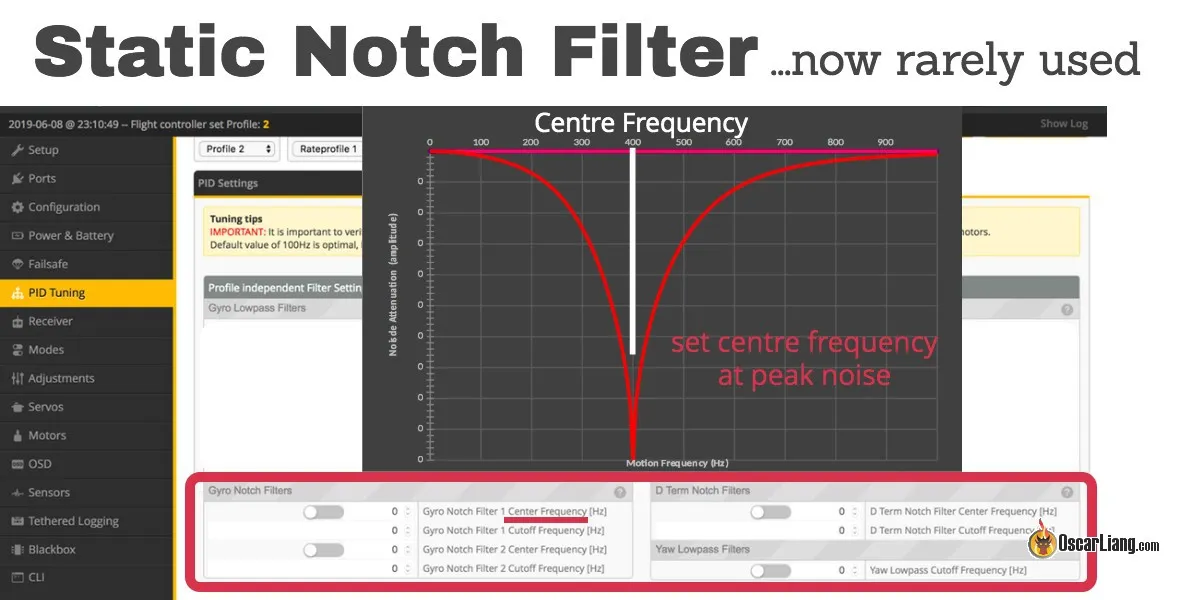
- Filters: Reduce noise from the motors and propellers, helping the FC get a cleaner signal.
Pilot's Tip for Beginners: Modern Betaflight versions have excellent stock PID tunes. For your first flights, it's highly recommended to stick with the default PIDs. As you gain experience, you can explore community-recommended tunes or delve into manual PID tuning. Focus on understanding the basic settings first.
Essential Maintenance and Troubleshooting Tips
- Pre-Flight Checks: Always check propeller direction, battery voltage, secure connections, and clear FPV feed before every flight.
- Prop Changes: Propellers are your most common repair item. Always carry spares. Learn to identify the correct rotation and securely fasten them.
- Basic Soldering: While some BNF (Bind-N-Fly) drones require no soldering initially, knowing how to solder is invaluable for replacing motors, VTXs, or receivers. Practice on old electronics first.
- Common Troubleshooting:
- No FPV Feed: Check camera connection, VTX power, and goggle channel.
- No Arming: Check Betaflight's "Motors" tab for warning messages. Common issues include low battery voltage, throttle not at zero, or arming switch not configured.
- Unstable Flight: Could be loose props, motor damage, or an incorrect tune.
Beyond the Basics: Advanced Flying & Community Engagement
Once you're confidently flying in Acro mode and have a handle on your drone's setup, it's time to refine your skills and connect with the broader FPV world.
Mastering Race Lines and Advanced Techniques
- Identify Optimal Race Lines: Learn to analyze a track and find the most efficient path through gates, minimizing distance and maintaining momentum.
- Throttle Management: Smooth throttle control is key. Learn to "feather" the throttle through corners and gates, rather than just full on/off.
- Corner Cutting: Understand when and how to cut corners without hitting obstacles, maintaining speed for the next section.
- Advanced Maneuvers: Practice power loops (flying up and over an obstacle), split-S turns (a half-loop followed by a half-roll), and inverted flight to expand your control repertoire.
Effective Practice Strategies and Drills
- Structured Practice: Don't just fly aimlessly. Set specific goals for each practice session (e.g., "mastering gate 3," "consistent turns").
- Consistency over Speed: Focus on flying a clean, consistent line before pushing for raw speed. Speed will come naturally with precision.
- Repetition: Drill specific sections of a track or individual maneuvers repeatedly until they become second nature.
- Video Review: Record your flights (both simulator and real-world) and review them to identify mistakes and areas for improvement. Many FPV goggles have DVR functionality.
Finding Your Tribe: FPV Racing Communities & Events
The FPV community is one of its greatest assets.
- Local FPV Clubs: Search online for FPV clubs or groups in your area. They often organize meetups, practice sessions, and local races. Websites like MultiGP are great resources for finding registered clubs.
- Online Forums & Social Media: Join FPV-specific Facebook groups, Discord servers, and forums like RotorRiot or FPVLAB. These are fantastic places to ask questions, share builds, and get advice.
- YouTube & Instagram: Follow professional FPV pilots and content creators for inspiration, tutorials, and insights into the latest gear.
Preparing for Your First Race Day
Your first official race can be exhilarating and daunting.
- What to Bring: Your drone (plus spares!), multiple charged batteries, charger, spare props, tools, FPV goggles, radio, and a comfortable chair. A power bank for charging devices is also handy.
- Pit Area Setup: Find a spot, set up your gear neatly, and ensure you have easy access to everything.
- Understand Race Formats: Most races involve qualifying laps, followed by heats and finals. Pay attention to the race director's instructions.
- Manage Nerves: Everyone gets nervous! Focus on flying clean laps, not necessarily winning. Learn from experienced pilots and enjoy the atmosphere.
FPV Racing FAQs for Aspiring Pilots
What's the cheapest way to start FPV racing?
Starting with a good radio transmitter (e.g., Radiomaster Zorro) and a simulator (e.g., Velocidrone) is the most cost-effective entry. This allows you to develop essential skills without risking hardware. After that, a 'Tiny Whoop' style drone offers a low-cost, durable physical flying experience indoors, often costing less than $200 for a ready-to-fly kit including basic goggles.
How long does it take to learn FPV racing?
Proficiency varies greatly depending on your natural aptitude and dedication. Consistent simulator practice for a few weeks to a few months (e.g., 30-60 minutes daily) can get you comfortable with basic flight in Acro mode. Mastering racing, however, takes ongoing dedication, practice, and experience, often spanning years.
Do I need to know how to solder to get into FPV racing?
While not strictly necessary for 'Bind-N-Fly' (BNF) drones, which come pre-assembled, knowing basic soldering is highly recommended. Crashes are inevitable, and soldering skills will enable you to perform repairs (like replacing motors, VTXs, or receiver wires) and upgrades yourself, saving you significant time and money in the long run.
What's the difference between analog and digital FPV?
Analog FPV offers lower latency and is generally cheaper, but with lower image quality (standard definition) and more susceptibility to interference (static, breakup). Digital FPV (e.g., DJI, Walksnail, HDZero) provides crystal-clear, high-definition video with a generally cleaner signal, but typically comes with a higher price tag and historically slightly higher latency (though this gap is closing rapidly). For racing, low latency is paramount, making analog still popular among top pilots.
Where can I fly my FPV racing drone legally?
Regulations vary significantly by country and region. Generally, you need to fly in open areas, away from airports, people, and private property. Always check local aviation authority guidelines (e.g., FAA in the US, EASA in Europe, SHGM in Turkey). Many FPV pilots join local clubs, which often have designated flying spots that comply with regulations. Never fly near airports, restricted airspace, or where you could endanger others.
Conclusion
The world of FPV racing is an exhilarating frontier, offering endless opportunities for skill development, technical mastery, and pure, unadulterated fun. From your first tentative flights in a simulator to screaming through gates on a real track, every step of this journey is rewarding. Remember, persistence is key, and every crash is a lesson learned.
Ready to take the plunge? Armed with this roadmap, you have everything you need to begin your FPV racing adventure. Start your pilot journey today, connect with the FPV community, and prepare to experience the thrill of flight like never before!
Copyright-safe media generated locally by FPVLovers